GEO & AI search
Google AI Overviews & AI Mode: What they mean for your website
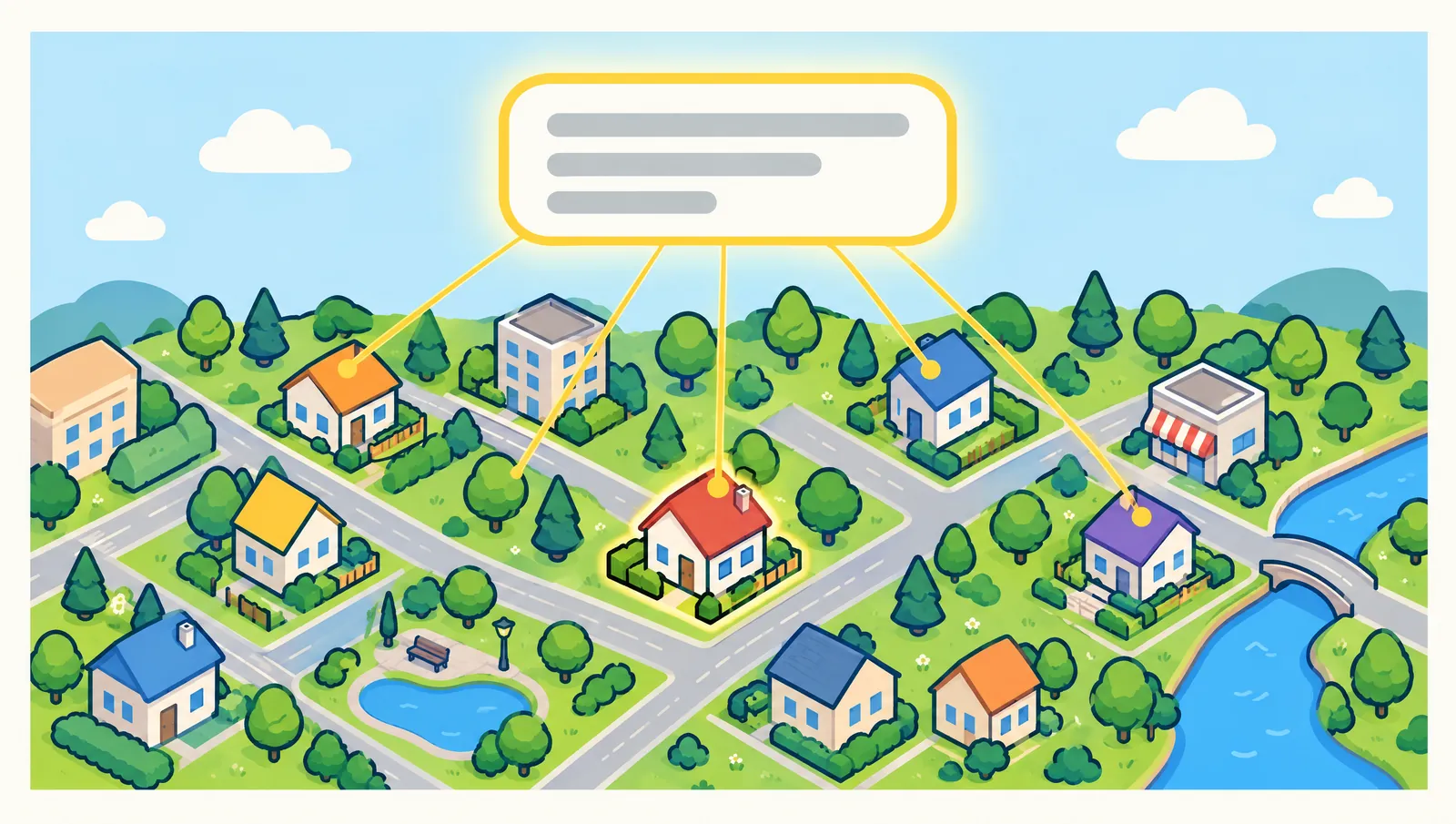
AI Overviews are the AI answers that Google shows in the search results for some searches, with links to websites that support the answer. AI Mode is a separate search mode from Google where you ask whole questions, ask follow-ups and get a detailed AI answer with links. In Google's German version, the two are called "Übersicht mit KI" and "KI-Modus". For you as a website owner, the most important news is this: according to Google, you don't need any special tricks for them. If you want to appear as a source in these AI answers, you need the same basics as in regular Google Search.
In this guide, you'll learn what exactly AI Overviews and AI Mode are, when they appear, how Google finds the linked sources, what you can do according to Google, how you control what Google shows from your page, and how you see the visits in Search Console. Everything we say about Google is based on Google's own pages. Where we recommend something that Google doesn't write in this way, we say so.
What are AI Overviews and AI Mode, and when do they appear?
According to Google's help page "Find information in faster & easier ways with AI Overviews", AI Overviews show an AI-generated snapshot with key information and links to dig deeper. Google shows them in the search results when Google's systems determine that generative AI can be especially helpful, for example when someone wants to quickly understand information from a range of sources. According to the same page, AI Overviews are available in German and in countries including Austria, Germany and Switzerland.
Important for you: AI Overviews don't appear for every search. On its page for website owners, "AI features and your website" (as of December 2025), Google writes that they are only shown when they add value compared to classic Search, and that as a result they often don't appear at all.
Google introduced AI Mode in March 2025 as an early experiment in Search Labs, Google's testing area for new features. According to the current help page "Get AI-powered responses with AI Mode", you ask a question there, get an AI answer with links to the web and can go deeper with follow-up questions. You can ask with text, voice, images or files. According to this page, AI Mode is also available in Austria, Germany and Switzerland and in German. On its page for website owners, Google describes AI Mode as particularly helpful for questions where you need to explore further, weigh things up or compare.
And for searchers: according to Google, AI Overviews cannot be turned off. If you only want to see links, you can select the Web filter after you search. Google then shows only text-based links without features like AI Overviews.
How Google selects and links the sources
Google's pages don't describe in detail how it selects an individual source. But Google does describe a few things itself on its page "AI features and your website":
- Links to supporting pages: AI Overviews and AI Mode show links that help people find the information they are looking for and read further.
- Several searches in the background: Both may use a technique called "query fan-out". Google issues several related searches across subtopics and data sources. According to Google, while the answer is being created, Google's models find more matching pages. That's why an AI answer can show a wider and more diverse set of links than classic Search.
- Different results: AI Mode and AI Overviews may use different models and techniques. The answers and links therefore differ.
According to the AI Mode help page, the mode relies on Google's understanding of web information, and the answers are meant to be supported by high-quality web content. If Google isn't confident enough in the quality or helpfulness of an AI answer, AI Mode in some cases shows a set of links instead. Google also writes openly there that AI Mode sometimes misinterprets content from websites or misses context.
According to Google, these features give more types of websites the chance to appear. But there is no guarantee. Google states explicitly: even if a page meets all requirements, it is not guaranteed that Google will crawl it, index it or show it.
What you can do according to Google
Google's short answer: there are no additional requirements and no special optimizations for AI Overviews and AI Mode. The familiar SEO basics remain valid.
The technical requirement: For a page to be able to appear as a link in AI Overviews or AI Mode, according to Google it must be indexed and eligible to be shown in Google Search with a text excerpt (snippet). For that, it must meet the normal technical requirements of Google Search. Beyond that, according to Google, there are no further technical requirements.
The basics Google lists: On the page "AI features and your website", Google lists these points:
- Crawling is allowed, in robots.txt (the file that sets which programs may visit your website) and also by your hosting provider or network service (CDN).
- Your content is easy to find through internal links on your website.
- Visitors have a good page experience.
- Important content is available as text on the page.
- Good images and videos support the text where it fits.
- Structured data (additional code information for search engines) matches the visible text.
- The information in Merchant Center and in your Google Business Profile is up to date.
How to create and maintain your profile is explained in our guide Create and optimize your Google Business Profile.
What you don't need: Google writes that you don't need to create new machine-readable files, AI text files or special markup. Special schema.org structured data isn't necessary for this either.
Set up Search Console: Google recommends verifying your website in Search Console. There you can spot technical problems quickly.
Content for people: In a post on the Google Search Central Blog from May 21, 2025, Google advises focusing on your visitors and creating unique, valuable content of your own. According to this post, people in AI search ask longer and more specific questions, as well as follow-up questions to go deeper.
Our recommendation (Google doesn't say this): collect the questions your customers really ask you and answer them on your website clearly and completely, with the answer first and the explanation after. Whether this increases the chance of being linked in an AI answer is not proven. In our view, it is helpful for your visitors in any case.
In our view, what matters specifically for your business depends on its type. An online shop has different levers than a business with a fixed address. You get an overview in the districts for the individual business types, for example SEO & GEO for E-commerce or SEO & GEO for Local Business.
Controlling what Google shows: nosnippet, max-snippet and noindex
If you want to limit what Google uses from your content in AI answers, it helps to look at the page "AI features and your website". Google writes there that AI is built into Search and is an integral part of it. That's why you use the robots.txt rules for Googlebot to control how your page is crawled for Search. To limit what Google shows from your pages, Google names four controls. What exactly they do is described in Google's specification of the robots meta tags:
nosnippet: Google shows no text snippet and no video preview for the page. According to Google, this applies to all forms of search results, explicitly including AI Overviews and AI Mode. It also prevents the content from being used as a direct input for AI Overviews and AI Mode.data-nosnippet: With this, you exclude only certain parts of a page from the text snippets, for example a specific paragraph.max-snippet: With this, you set the maximum number of characters a text snippet may have. According to Google, this also limits how much of the content may be used as a direct input for AI Overviews and AI Mode.noindex: Google doesn't show the page in the search results at all.
Keep in mind: according to Google's own requirement, a page must be eligible to be shown with a snippet to appear as a link in AI Overviews or AI Mode. It follows that if you set nosnippet or noindex, you also give up this chance. With noindex, the page also disappears from regular Search.
Two technical notes from Google's specification: if you use a system like WordPress or Wix, according to Google it might have its own setting for such controls, in case you can't or don't want to change the code yourself. And Google can't read a page that you block from crawling in robots.txt. In that case, Google also won't find the noindex or nosnippet controls on that page.
If your controls don't seem to work: Google advises using the URL Inspection tool in Search Console to check whether Googlebot sees the control. Google also needs time: according to Google, it can take anywhere from several days to several months until a page is crawled again. You can request that Google recrawl it.
Other Google systems: Google-Extended: To limit AI training and grounding (looking up information to support answers) in some of Google's other systems, Google points to a separate control called Google-Extended. You can read more about it in our GEO guide.
Measuring visits from AI Overviews in Search Console
Can you see visits from AI Overviews and AI Mode at all? Google says yes: according to "AI features and your website", visits from these features are included in the overall search traffic in Search Console. You find them in the Performance report, within the "Web" search type.
How exactly they are counted is described on Google's help page "What are impressions, position, and clicks?":
- Clicks: Clicking a link to an external page in an AI Overview or in AI Mode counts as a click.
- Impressions: The standard impression rules apply to AI Overviews and AI Mode.
- Position in AI Overviews: An AI Overview occupies a single position in the search results. All links in it are assigned that same position.
- Position in AI Mode: The same methodology applies as on a normal Google Search results page.
- Follow-up questions in AI Mode: A follow-up question counts like a new search query. All impressions, positions and clicks in the new answer are assigned to this new query.
- Experiments: According to Google, Search Console doesn't include data from experiments in Search Labs.
Google doesn't describe a separate view or a separate filter just for AI Overviews or AI Mode on these pages.
More than clicks: As an option, Google also mentions tracking conversions and time spent on your website, for example with Google Analytics. According to Google, clicks from search results pages with AI Overviews are higher quality, meaning people are more likely to spend more time on the website. That is Google's own statement. Only your own statistics can show whether that is true for your site. In the blog post from May 2025, Google also recommends looking at various indicators of success, such as sales, signups or information lookups about your business, instead of just counting clicks.
Our recommendation (Google doesn't say this): every now and then, type the questions your customers would ask into Google yourself and see whether an AI Overview appears and which pages it links to. This isn't a metric but a spot check, because the answers can change.
AI Overviews and GEO: how they fit together
In our view, AI Overviews and AI Mode are part of what is called GEO, short for Generative Engine Optimization. By this we mean that your business is named and linked in AI answers, whether on Google, in ChatGPT, Gemini or Perplexity. What the term means, how other providers such as OpenAI and Perplexity describe their crawlers, and which steps you can take is explained in our guide GEO: How your business appears in ChatGPT, Gemini & co..
The difference: for Google's AI features, Google says clearly that the normal SEO basics are enough. This statement applies only to Google. Google makes no statement about ChatGPT, Perplexity and other assistants. You can find what these providers say themselves in the GEO guide.
Common misconceptions
- "I need a special AI file." Not for Google's AI features. Google writes that no new machine-readable files, AI text files or special markup are needed.
- "AI Overviews appear for every search." No. According to Google, they only appear when they add value, and often not at all.
- "With
nosnippet, I only opt out of the AI answers." No. According to Google,nosnippetapplies to all forms of search results, so it also affects the normal text snippet. - "In Search Console, I see the AI clicks separately." According to Google, they are counted within the "Web" search type. Google doesn't describe a separate view for them.
- "What the AI Overview says is always right." No. Google writes itself that AI Overviews can and will make mistakes, and advises checking important information in more than one place.
You can find more guides on SEO and AI search in the SERP TOWN Library.
Your next step
Want to know where to start with your own website? Take the 3-question check from SERP TOWN. It shows you which business type your business is and where your biggest levers lie on Google and in AI answers. If you like, you can send us a request afterwards: we'll look at your website and send you a short teaser with a few tips.